The old price still sells
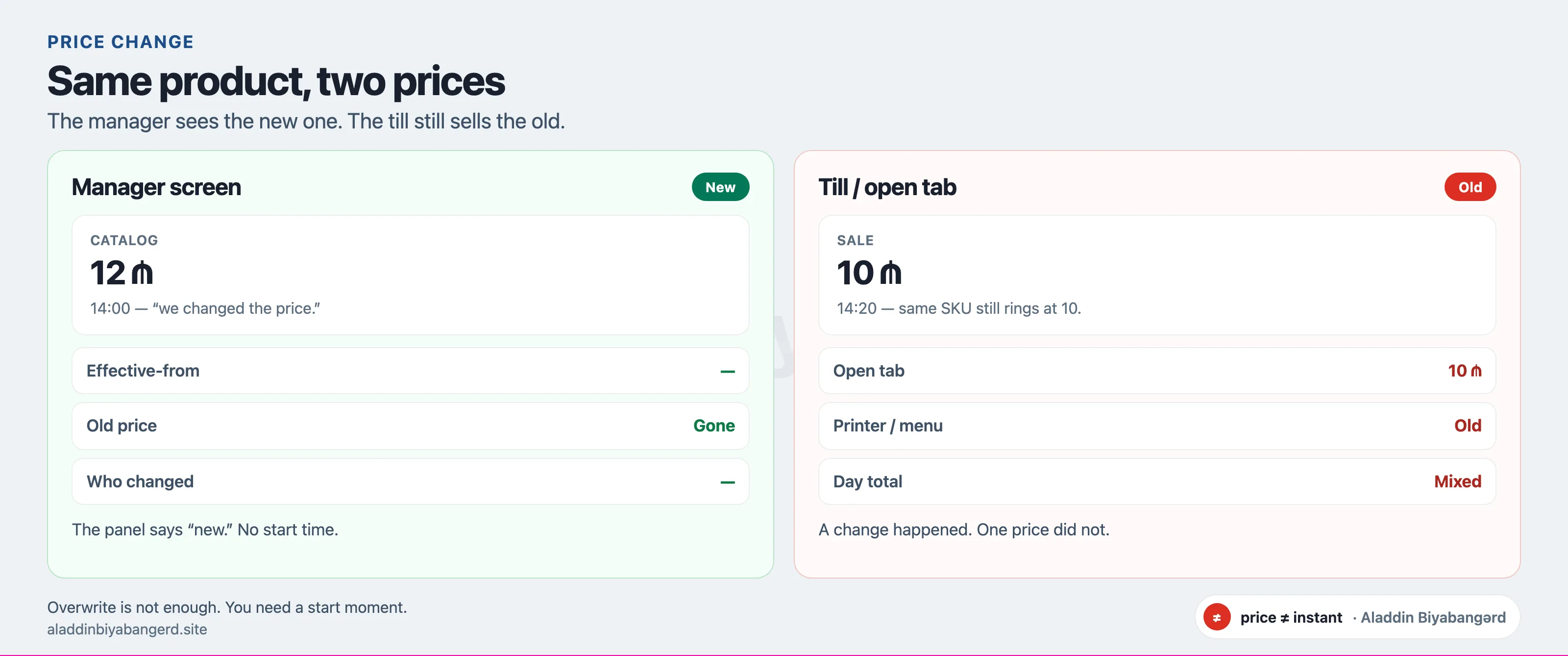
Midday, a message like this lands:
“We changed the price. It’s 12 now.”
The manager checks the panel — 12 is there. It feels done.
Twenty minutes later the same product still rings up at 10.
An open tab still carries the old figure. The printed menu wasn’t refreshed. The day total shows the same SKU at two prices.
A change happened. One price did not.
Why it happens
Because the price is overwritten as a single field.
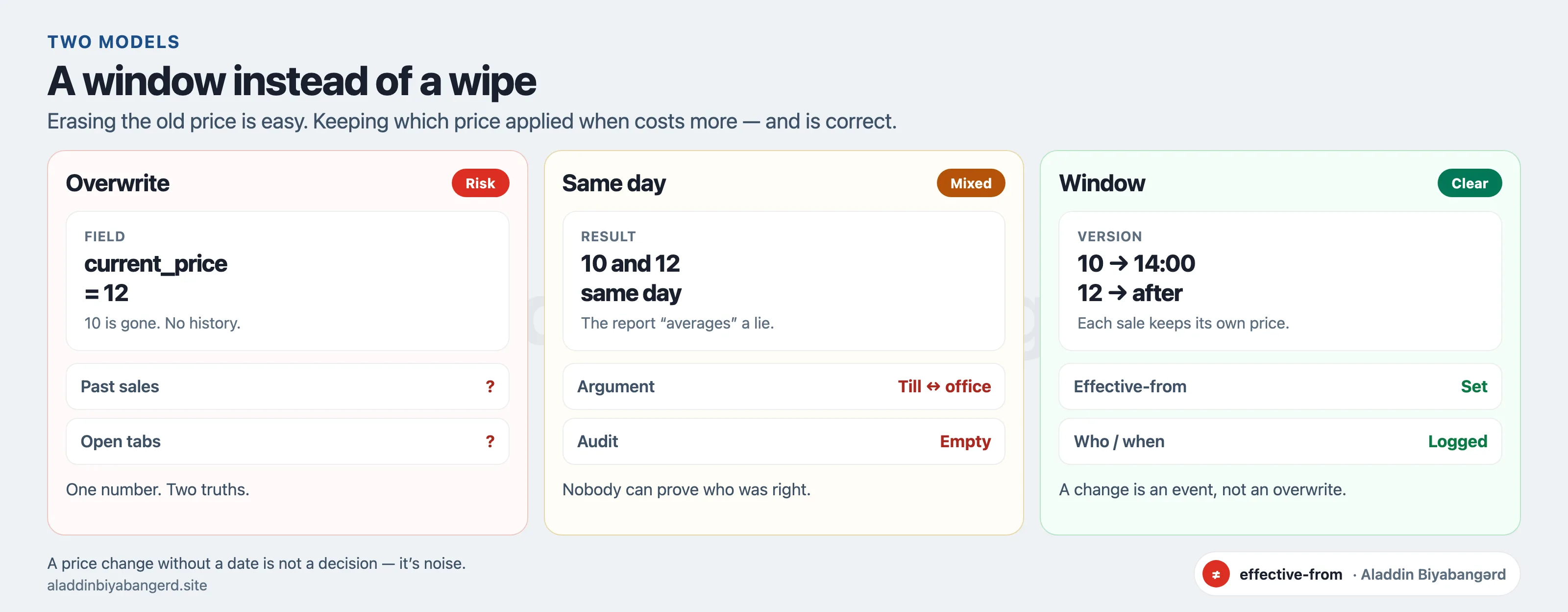
The system has a “current price.” Someone types 12, and 10 is gone. Past sales, open tabs and printed menus never saw that overwrite.
It usually looks like this:
- The catalog is new; an open table or tab still lives on the old price
- The same SKU appears in the day’s report at both 10 and 12
- “Who changed it, and when?” has no answer
- In the argument, till and office blame each other — there is no trail
At that point a price change is not a decision.
It is two truths inside one day.
Before you change it
I don’t ban price changes. Businesses need them.
But I don’t accept one without three things:
- Effective-from — when the new price starts (now, tomorrow, next shift)
- Sale amount stored on the sale — each sale keeps its figure; a catalog overwrite must not erase the past
- A trail — who changed it, when, old amount and new amount written down
With those, a change is an event.
Without them, you only wiped a number — and scrambled the day.
Takeaway
Seeing 12 in the catalog is not yet a price change.
A price change starts when the start moment is clear and every sale keeps its own price.
Otherwise the manager sees the new one.
The till still sells the old.