A temporary field never leaves
Projects often start with a sentence like this:
“Let’s add one column. Just for this month. We’ll delete it later.”
The reason is usually clear. For a campaign, an exception or a temporary note, nobody wants to touch the real model. A custom field that feels like an Excel column saves day one.
The problem is the second half.
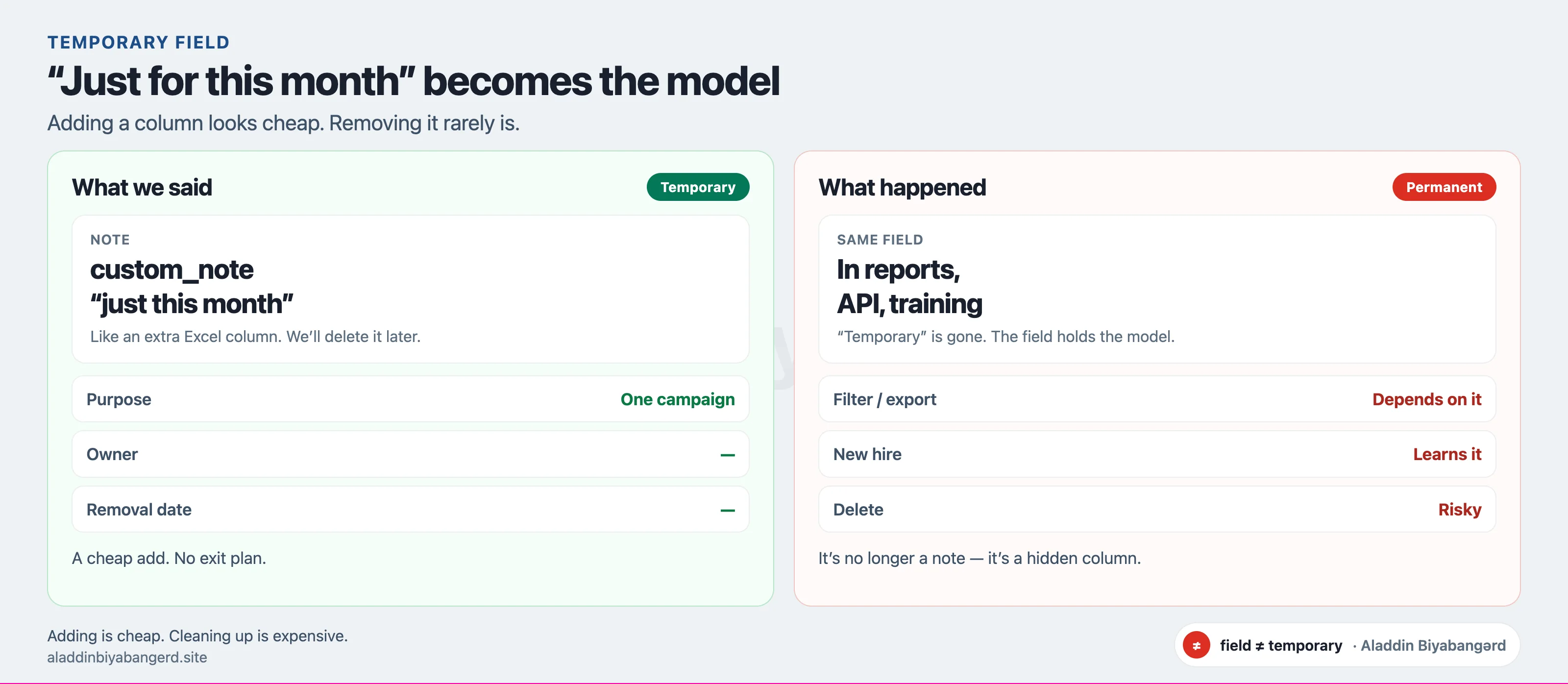
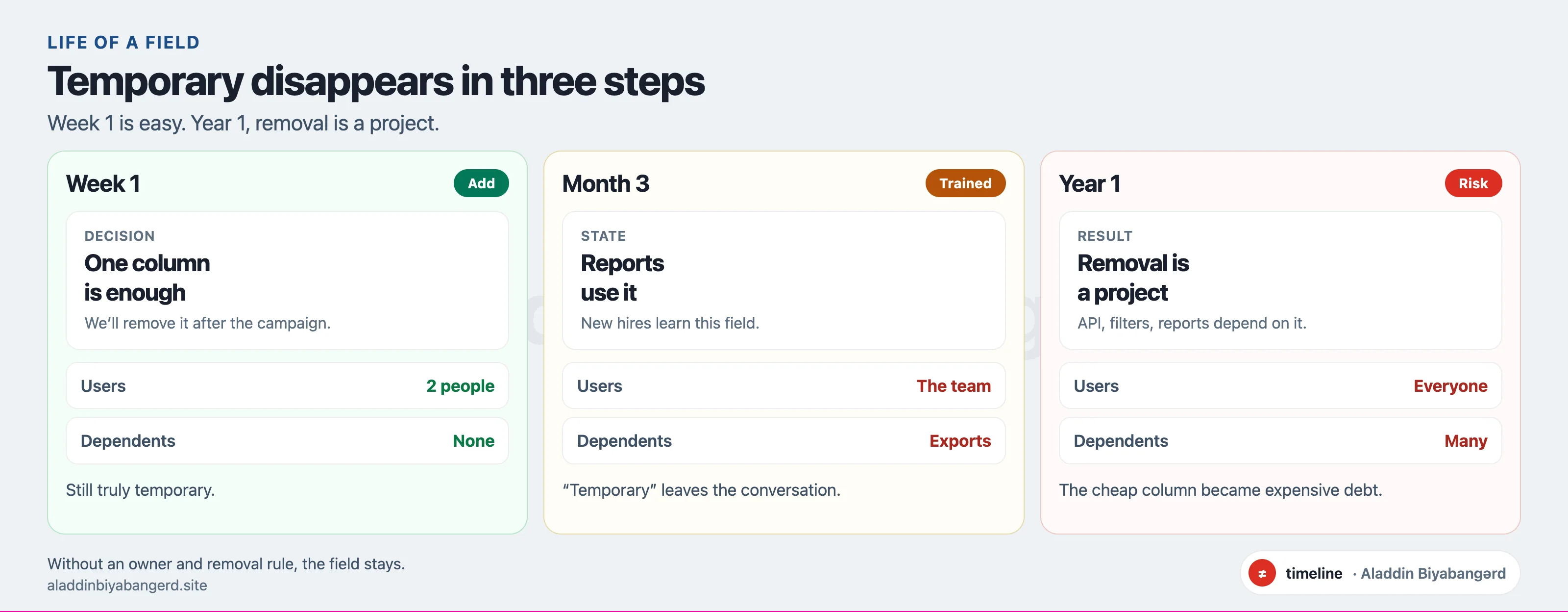
If “we’ll delete it later” has no owner and no date, the field usually stays. It becomes part of the model.
Why it sticks
Because the field works.
Reports filter on it. Exports depend on it. New hires are told to fill it in. After a while nobody says “temporary” — they just say “this is how it works.”
It usually looks like this:
- Two or three custom fields for the same meaning — nobody knows which is “correct”
- An old field sits empty but isn’t deleted: “someone still uses it”
- An integration or Excel export expects that column
- When you try to remove it, the fear is “the reports will break”
At that point the field is no longer a note.
It is a hidden column.
Before you add it
I don’t ban custom fields. Sometimes you need one.
But I don’t accept one without three things:
- Purpose — which question this field answers, and for how long
- Owner — who will say “still needed” or “delete it”
- Removal rule — what must be true before it can close, and what to migrate
If those are written down, temporary can stay temporary.
If not, you’ve just widened the model — without a plan.
Takeaway
“Temporary field” is not a plan.
A plan is purpose, an owner and a removal condition.
Otherwise the field stays.
And a year later, deleting the same column is a project of its own — only more expensive.