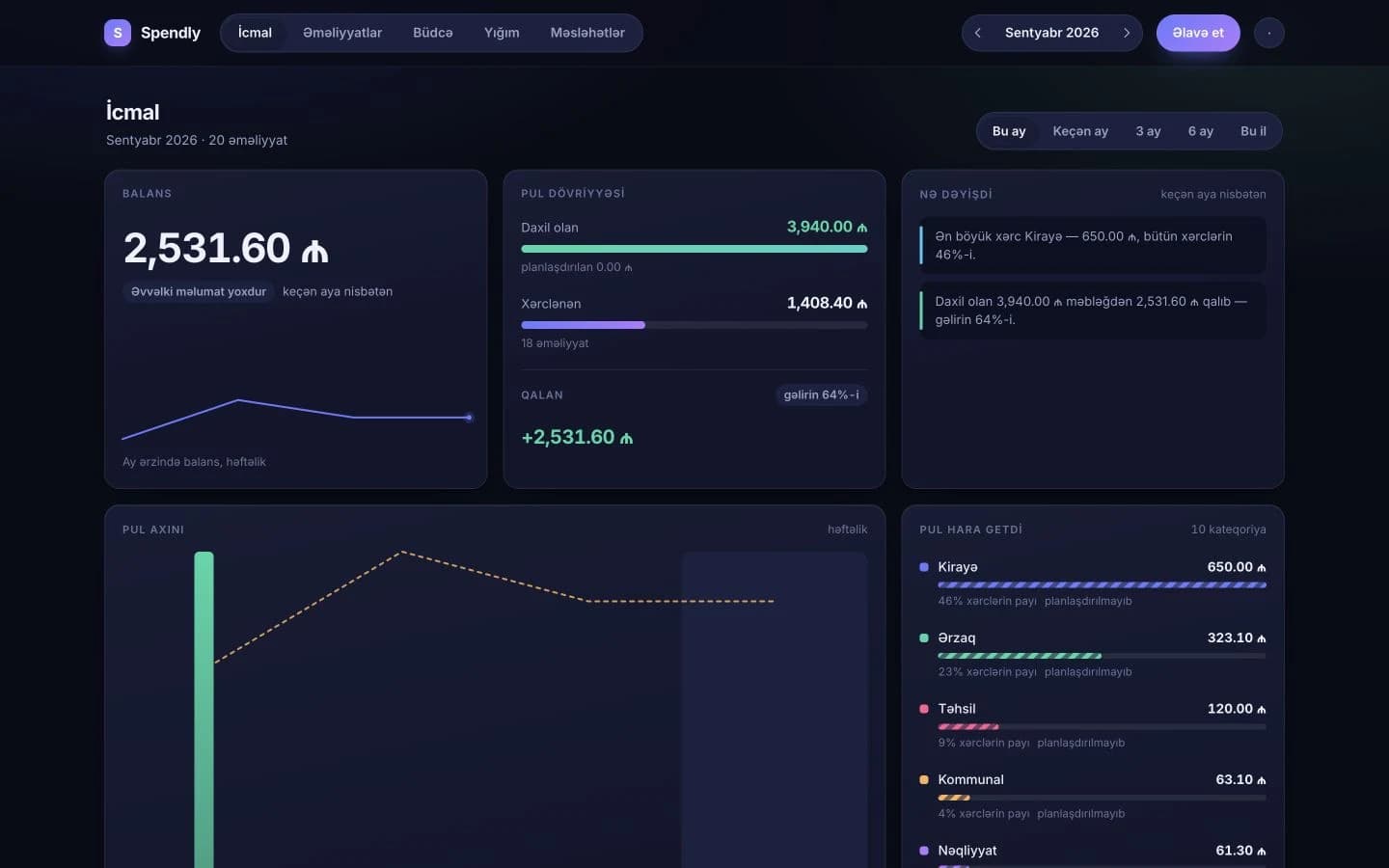
A personal finance app designed to replace monthly budget spreadsheets. Enter your income and expenses, and Spendly automatically calculates all totals for you.
Live and in use · Personal finance app — Web and Android · Recording income and spending · Planning the month · Your own categories · Seeing where the money went · Working with no connection
The problem
Managing a budget in a spreadsheet requires everything to be maintained manually. Every total depends on formulas that must remain correct, and when a number looks wrong, the spreadsheet does not always make it clear which entries produced that result.
What I built
With Spendly, nothing needs to be entered twice and no totals are stored as fixed values. Every number is calculated directly from the transactions and budget plan you provide.
Why it matters
The Android application is not simply a mobile wrapper around the web version — it was built natively with Kotlin and Jetpack Compose. The calculation logic was reimplemented function by function, with tests recreated across different scenarios. Both platforms are therefore expected to produce exactly the same results from the same data.
My role
My own product. Live and in use; the web and native Android builds share one account.
Spendly · live
Personal finance app — Web and Android
How it works
Web app
Android app
Every number is calculated from the data you enter
On the device first
Then your account
There are two separate versions of the application connected to the same account, and neither stores pre-calculated totals. Every number displayed on screen is derived from your transactions and budget plan, which prevents outdated totals from being used. When there is no internet connection, your changes remain safely stored on the device. Once the connection is restored, the data is automatically synchronized with your account.